Physical Address
304 North Cardinal St.
Dorchester Center, MA 02124
Physical Address
304 North Cardinal St.
Dorchester Center, MA 02124

How to Create Full AI Songs ?
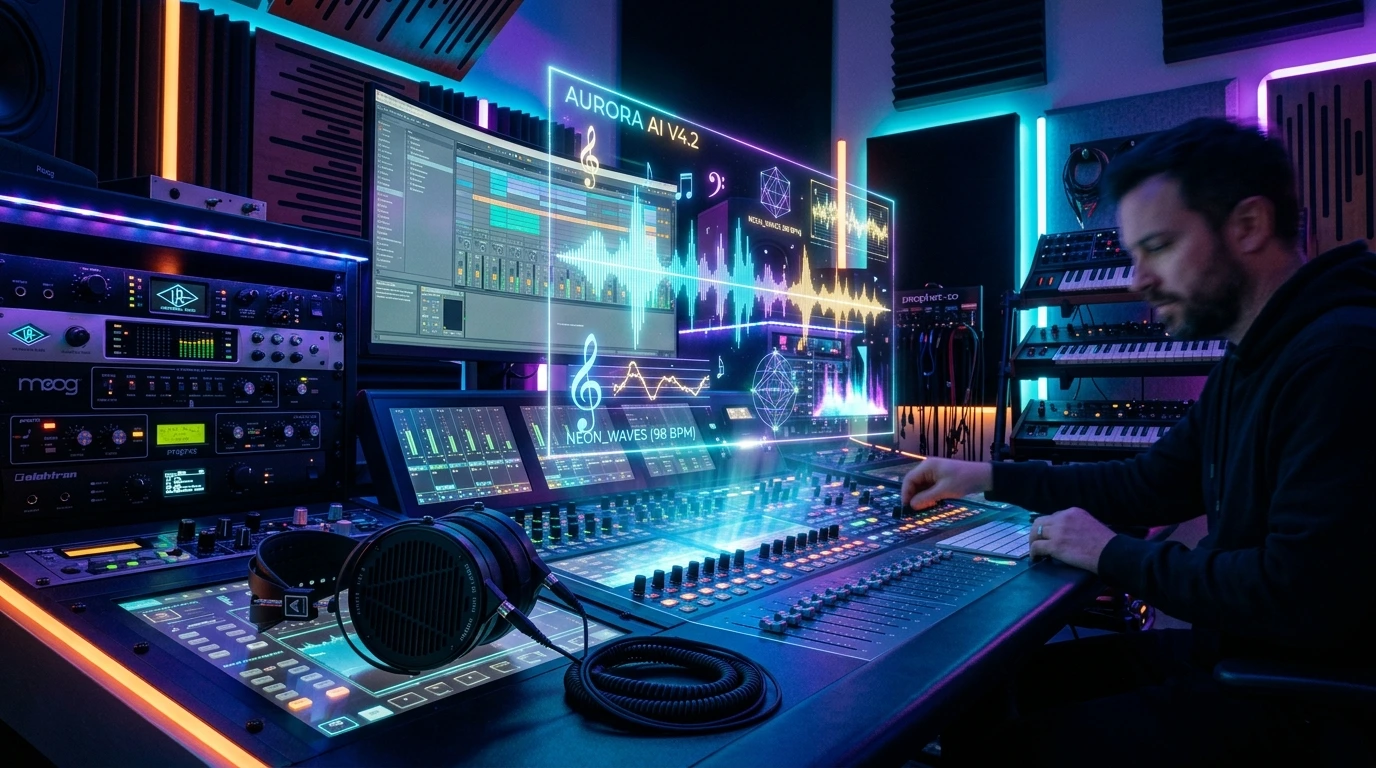
The landscape of music production has shifted forever. A few years ago, producing a studio-quality track required thousands of dollars in equipment and years of musical training. Today, all you need is a spark of creativity and the right AI tools. In this comprehensive guide, we will walk you through the entire process of AI music generation—from the first lyric to the final mastered track.
Understanding the AI Music Revolution
Before we dive into the “how,” we must understand the “what.” AI music generation isn’t just about clicking a button; it’s about collaboration. Tools like Suno, Udio, and the new Lyria 3 model have mastered the nuances of human emotion, rhythm, and vocal layering. Whether you want a 90s Grunge track or a modern Lo-fi beat, AI can now replicate the soul of music with startling accuracy.
For a creator, this means the barrier to entry is gone. You are no longer just a listener; you are a producer.
Concept and Lyrics Engineering
Every great song starts with a story. In AI music generation, your “Prompt” is your conductor’s baton.
* Brainstorming the Vibe: Don’t just say “Rock song.” Be specific. Is it “Melodic Indie Rock with a touch of nostalgia”?
*AI Lyricists: While many music tools generate lyrics, using a dedicated tool like Claude 3.5 or ChatGPT gives you more control.
* *Pro Tip:* Ask the AI to follow a Verse-Chorus-Verse-Bridge-Chorus structure. This helps the music AI understand where the emotional peaks should be.
Choosing Your Powerhouse Tool
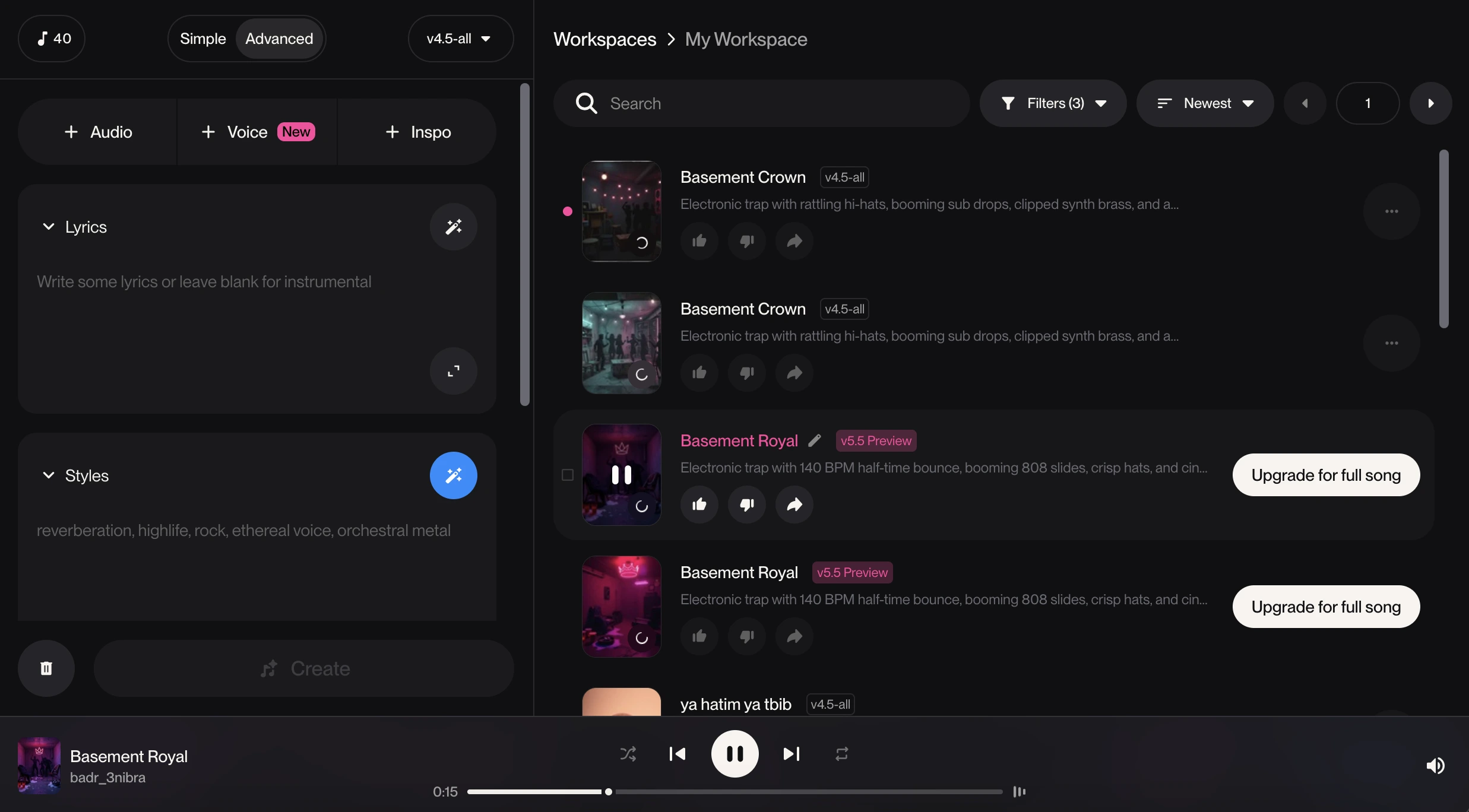
There are many tools, but in 2026, three giants dominate the field:
* Suno AI: Best for catchy melodies and diverse genres. Its v4 model handles complex arrangements brilliantly.
* Udio AI: Known for incredible vocal clarity and high-fidelity output. It feels “raw” and “human.”
* Lyria 3 (by Google): The gold standard for multilingual tracks and seamless transitions.
Comparison Table for Quick Reference:
| Tool | Best For | Vocal Quality | Ease of Use |
| Suno | Catchy Pop/EDM | High | ⭐⭐⭐⭐⭐ |
| Udio | Emotional/Realism | Ultra-High | ⭐⭐⭐⭐ |
| Lyria 3 | Professional Grade | Studio Quality | ⭐⭐⭐ |
The Secret Art of Prompting for Audio
This is where most beginners fail. To get a “perfect” track, you need to use Style Descriptors.
* Instruments: Mention “Electric guitar solo,” “Deep bass,” or “Acoustic piano.”
* Mood: Use words like “Atmospheric,” “Gritty,” “Ethereal,” or “High-energy.”
* BPM (Tempo): Explicitly state the tempo. (e.g., “Fast-paced, 128 BPM”).
Example Prompt:
*“A high-energy Synthwave track, 80s retro style, driving bassline, male vocals with a slight reverb, nostalgic but futuristic vibe, 120 BPM.”*
Vocal Layering and Customization
One of the biggest breakthroughs in AI music is the ability to upload your own voice. You can hum a melody into the tool, and the AI will transform that hum into a professional vocal performance.
* Vocal Texture: You can specify if the singer sounds “raspy,” “silky,” or “soulful.”
* Harmony: Ask the AI to add “background harmonies” during the chorus for a fuller sound.
Extending and Structuring the Track
Most AI tools generate 30-60 second clips. The secret to a full song (A to Z) is the “Extend” feature.
1. Generate the first part (Verse 1).
2. Click “Extend” and add the lyrics for the Chorus.
3. Repeat for Verse 2 and the Outro.
This ensures that the AI keeps the same “voice” and “instruments” throughout the entire song.
Post-Production and AI Mastering
Even an AI-generated song needs a final “polish.” Once you download your track, don’t just upload it to Spotify.
*Stem Separation: Use tools like Lalal.ai to separate the vocals from the music if you need to fix a specific part.
*Mastering: Use Landr or eMastered. These AI tools analyze your track and adjust the EQ, compression, and loudness to match industry standards.
Copyright and Monetization
The question everyone asks: “Do I own this song?”
* Paid Plans: Most tools like Suno and Udio grant you commercial rights *only* if you have a paid subscription.
*Streaming: Once you have the rights, you can distribute your AI song to Spotify and Apple Music using services like DistroKid.
Common Mistakes to Avoid
* Over-Prompting: Don’t put too many conflicting styles. Keep it focused.
* Ignoring the Outro: Many creators let the AI cut off abruptly. Always prompt for a “Fade out” or “Final drum hit.”
* Low Resolution: Always download the WAV format, never just MP3, if you want professional quality.
Your Journey Starts Now
AI music generation from A to Z is no longer a dream; it’s a workflow. By combining the lyrical depth of LLMs with the sonic power of generation tools and the precision of AI mastering, you can produce a hit from your bedroom. The only limit left is your imagination.





[…] How to Create Full AI Songs: The Ultimate A to Z Guide (2026) […]