Physical Address
304 North Cardinal St.
Dorchester Center, MA 02124
Physical Address
304 North Cardinal St.
Dorchester Center, MA 02124

The Automated AI Workflow is no longer a concept reserved for enterprise giants with million-dollar IT budgets. In 2026, anyone with the right tools and a clear process can build a fully autonomous system that handles emails, generates content, and manages projects — all without lifting a finger. In this guide, you will learn how to combine Claude AI, Zapier, and Notion into one seamless, intelligent pipeline that works around the clock.
Whether you are a solopreneur, a startup founder, or an operations lead at a scaling company, this step-by-step blueprint will show you exactly how to architect, connect, and deploy a production-ready Automated AI Workflow in 2026.
Why an Automated AI Workflow Is the Competitive Edge of 2026
The business landscape has changed fundamentally. AI is no longer a novelty — it is infrastructure. Companies that still rely on manual workflows for routine communication and content production are falling behind. Here is what makes an Automated AI Workflow so powerful right now:
⦁ Speed: Claude processes and responds to inputs in seconds, not hours.
⦁ Scale: Zapier can trigger thousands of automated actions per month without additional headcount.
⦁ Consistency: Notion centralizes all outputs, making every decision and deliverable traceable.
⦁ Cost Efficiency: Replacing repetitive human effort with AI automation dramatically reduces operational overhead.
Together, these three platforms form a trifecta that covers intelligence (Claude), automation routing (Zapier), and knowledge management (Notion).
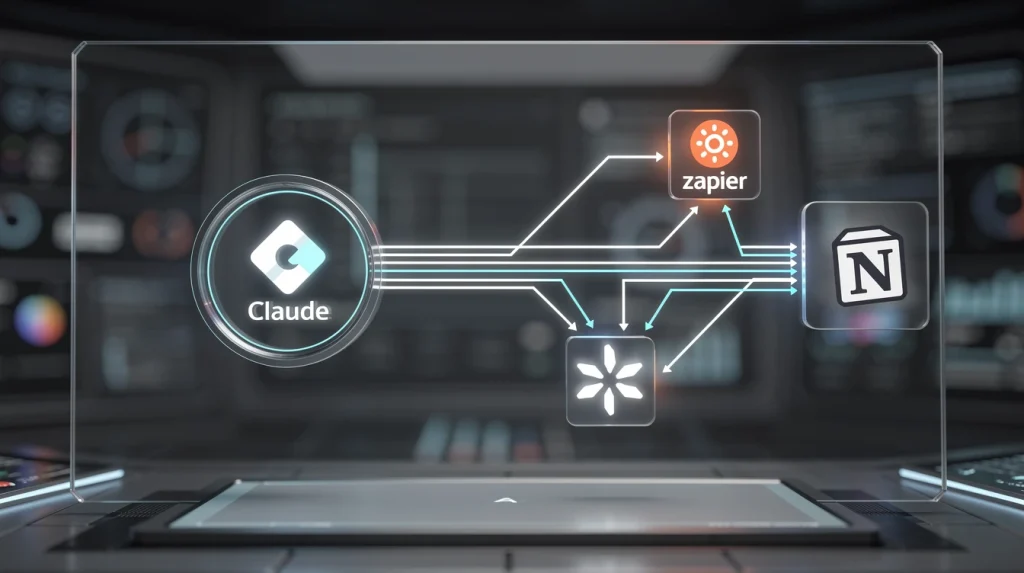
Figure 1: High-level architecture of a Claude–Zapier–Notion automated pipeline.
Prerequisites: What You Need Before You Start
Before building your Automated AI Workflow, make sure the following accounts and tools are in place:
Step 1: Set Up Claude AI as Your Automation Brain
Claude is the intelligence layer of your Automated AI Workflow. Every piece of content — every email reply, every project brief, every content draft — will be generated by Claude via API calls triggered through Zapier.
1a. Create Your Claude API Key
Step 2: Connect Claude to Zapier via Webhooks
Zapier does not yet have a native Claude integration as of early 2026, so you will use Zapier’s built-in Webhooks by Zapier action to call the Claude API directly. This is one of the most powerful patterns in any Automated AI Workflow.
2a. Create a New Zap
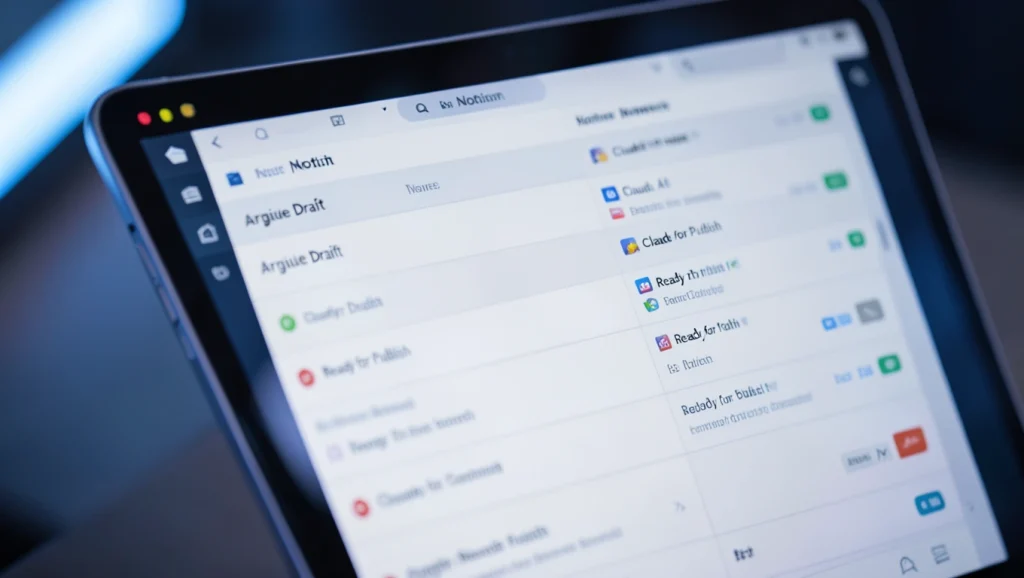
Figure 2: Configuring a Zapier Webhook POST action to call the Claude API.
Step 3: Automate Email Responses with Claude and Gmail
This is the first major module of your Automated AI Workflow: intelligent, automatic email replies that sound human and arrive within seconds of receipt.
3a. Set the Gmail Trigger
Step 4: Automate Content Creation and Route It to Notion
The second module of your Automated AI Workflow turns content briefs into full drafts stored and organized in Notion automatically.
4a. Trigger on a Notion Form or Database Entry

Figure 3: A Notion database automatically populated with AI-generated content drafts.
Step 5: Automate Project Management in Notion with Claude
The third and most strategically valuable module of your Automated AI Workflow is project intelligence — using Claude to generate project briefs, task breakdowns, and status summaries automatically.
5a. Trigger on New Project Intake
Step 6: Monitor, Optimize, and Scale Your Automated AI Workflow
Launching your Automated AI Workflow is just the beginning. To maintain peak performance, build monitoring and optimization loops from day one.
Error Handling
⦁ Add Zapier’s built-in error paths on every Claude webhook action to catch API failures.
⦁ Route errors to a dedicated Notion “Error Log” database with timestamp, Zap name, and raw error message.
⦁ Set up a Zapier alert via email or Slack when the error log receives a new entry.
Quality Scoring
⦁ Create a Notion “QA Review” database where team members can rate Claude outputs from 1–5.
⦁ Use a monthly Zap to aggregate low-scoring outputs and send them to Claude with a meta-prompt asking for analysis of what went wrong.
⦁ Refine your prompt templates in the Prompt Library based on Claude’s self-analysis.
Scaling
⦁ Use Zapier Tables as an intermediate data layer for high-volume workflows exceeding 1,000 Zaps/month.
⦁ Implement Zapier’s Sub-Zap feature to modularize common actions (e.g., the Claude call) so they can be reused across multiple parent Zaps without duplication.
⦁ Consider upgrading to Claude’s Opus model for complex, high-stakes outputs and Haiku for high-volume, cost-sensitive tasks.
The Full Automated AI Workflow Architecture at a Glance
Here is a summary of the complete system you have just built:
Conclusion: Your Automated AI Workflow Starts Today
Building a fully Automated AI Workflow with Claude, Zapier, and Notion is not a futuristic ambition — it is a 2026 reality that is within reach for any team willing to invest a few focused hours in setup. The ROI is compounding: every automated email reply, every AI-generated content draft, and every auto-populated project brief frees up human capacity for the creative, strategic work that machines still cannot replicate.
Start with the email module. Get it working. Then add content creation. Then project management. Within two weeks, you will have an intelligent, tireless system operating in the background — and you will wonder how you ever worked without it.
The future of work is not humans versus AI. It is humans amplified by AI. Your Automated AI Workflow is the amplifier.
“Once Claude generates your draft, you can pair it with tools covered in our AI Video Production Tutorial 2026 to take your content even further.”
“If you’re still building your AI stack, start with our roundup of the 5 Essential AI Tools That Will Redefine Productivity in 2026 before diving into automation.”





This is a masterclass in AI orchestration! Using Webhooks by Zapier to bridge Claude with Notion is exactly how you build a scalable business brain in 2026. For anyone following this guide who needs high-quality image generation as part of their automated content pipeline, I highly recommend checking out Nano Banana API. It’s incredibly cost-effective at just $0.02 per image (compared to the higher costs of many other APIs) and has super low latency, which is crucial when you’re stacking multi-step Zaps. Its text rendering is also top-notch, making it perfect for generating professional blog headers or social assets directly within your Notion workflow.