Physical Address
304 North Cardinal St.
Dorchester Center, MA 02124
Physical Address
304 North Cardinal St.
Dorchester Center, MA 02124

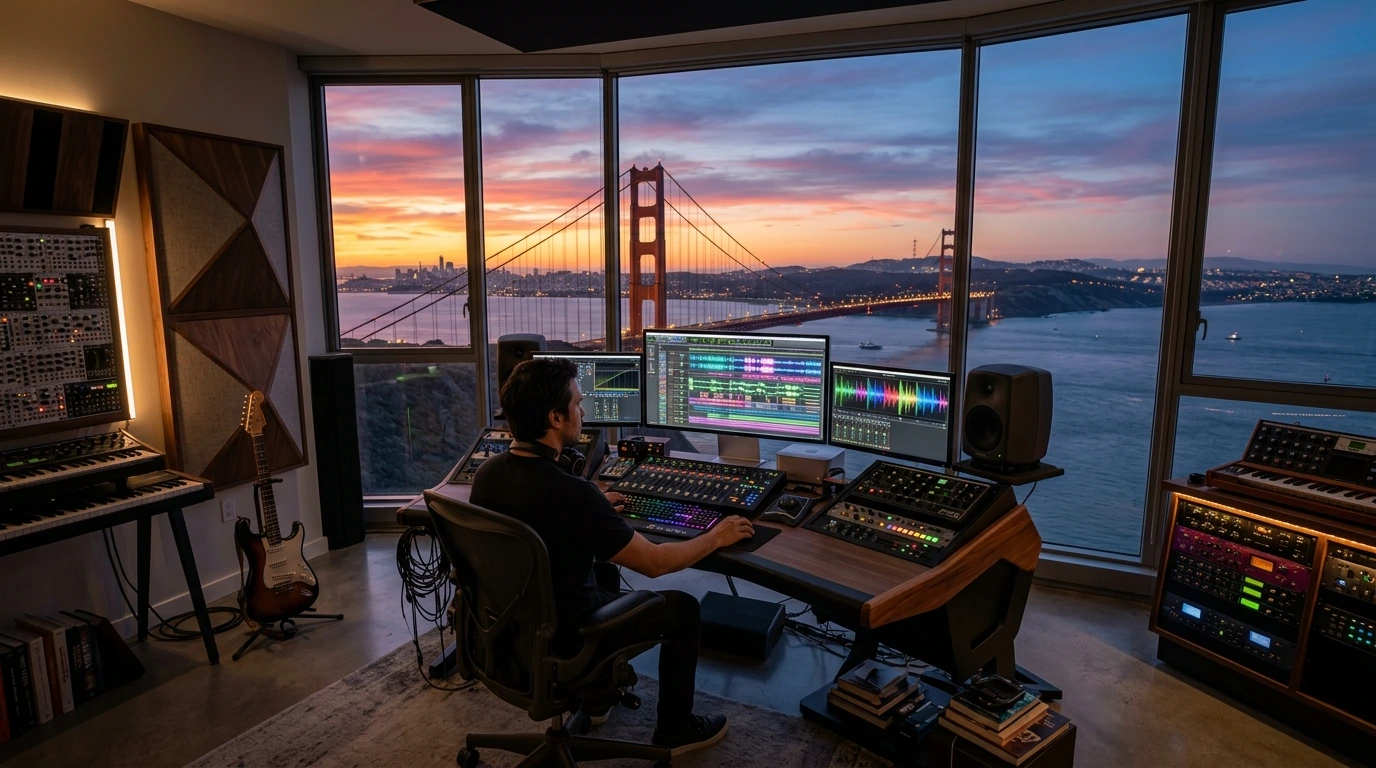
…The silence in my San Francisco studio used to be expensive. Every minute of quiet meant I wasn’t paying a session musician or renting high-end gear. But last week, that changed forever. I sat down with a cup of coffee, opened a few browser tabs, and within minutes, I had a cinematic masterpiece playing through my monitors. The era of AI music generation isn’t just coming; it’s already here, and it’s disrupting everything we thought we knew about creativity. At FluxAIHQ, we’ve spent months stress-testing these tools. This isn’t about making ‘robot noises’—it’s about professional-grade production. In this deep-dive guide, I will show you exactly how to master AI music generation to create tracks that are indistinguishable from human-made records.”
1. Understanding the Landscape of AI Music Generation
Before we touch a single button, we have to understand the tools. The world of AI music generation is currently split between two giants: Suno AI and Udio. While both use neural networks to predict the next note and vocal inflection, they serve different purposes.
*Suno AI: Known for its incredible ability to structure pop songs and catchy hooks. It is the go-to for creators who want a “finished” feel quickly.
*Udio: The choice for audiophiles. Udio excels in high-fidelity audio and complex genres like progressive rock, jazz, or deep house where texture and atmosphere are key.
Choosing the right platform is the first step in successful AI music generation. If you pick the wrong engine for your genre, your final master will suffer.
2. Master Prompting: The “Badr Flux” Audio Formula
To get professional results, you must move past basic descriptions. In AI music generation, your prompt is your conductor’s baton. You need to specify the genre, mood, instrumentation, and technical specs.
The Professional Audio Prompt Structure:
[Genre: Sub-genre] + [Emotional Vibe] + [Instrumentation] + [BPM/Tempo] + [Technical Tags]
Here are 3 tested prompts you can use right now:
* The Cinematic Epic: [Style: Cinematic Orchestral, Hybrid, Hans Zimmer inspired, 90 BPM, deep sub-bass, heroic brass section, high dynamic range, HQ studio mastering]
* The Viral Lo-fi Chill: [Style: Lo-fi hip hop, 80 BPM, chill, jazzy Rhodes piano, vinyl crackle, nostalgic atmosphere, muffled boom-bap drums, rainy day aesthetic]
* The Modern Synthwave: [Style: 1980s Synthwave, Upbeat, 115 BPM, analog synthesizers, Yamaha DX7 pads, electric guitar solo, neon atmosphere, gated reverb drums]
3. Structural Meta-Tags: Guiding the AI through the Song
The biggest mistake beginners make in AI music generation is letting the AI decide the structure. To make a song sound “human,” you must use meta-tags inside your lyrics or structure box. This forces the AI to follow a logical musical progression.
Try inserting these tags to control the flow:
* [Intro: Atmospheric build-up with distant piano] – Sets the mood before the beat drops.
* [Verse 1: Soft vocals, minimal percussion] – Keeps the energy low for storytelling.
* [Chorus: Explosive energy, multi-layered harmonies, heavy bass] – This is where the “hook” happens.
* [Bridge: Sudden tempo shift, stripped-back instruments] – Provides the necessary emotional contrast.
* [Guitar Solo: Bluesy, distorted, high-energy] – Adds that “live performance” feel.
* [Outro: Slow fade, lingering reverb] – Ensures a professional ending.
4. The Lyrics Strategy: Merging Human Soul with AI Speed
While AI music generation tools can write their own lyrics, they often sound cliché. For my projects at FluxAIHQ, I recommend a “Human-in-the-loop” strategy.
1. Draft with an LLM: Use a prompt like: *”Write a 3-verse song about the tech hustle in San Francisco, avoid using the word ‘neon’ or ‘digital’.”*
2. Edit Manually: Change the rhymes. Add local slang or specific personal memories.
3.Tagging: Add emotional cues like (Sighs) or [Whispered] between lines to give the AI vocal instructions.
5. Post-Production: Turning a “Gen” into a “Record”
Raw AI music generation output is often compressed. To make it “Spotify-ready,” follow this workflow:
* Stem Separation: Use a tool like Lalal.ai or RipX to separate the vocals, drums, and melody.
* EQ & Compression: Clean up the “muddy” frequencies (usually in the low-mids).
* Mastering: Use a service like Landr or a simple limiter to bring the volume up to commercial standards (-14 LUFS).
Badr’s Personal Perspective: The Future of the Industry
From my perspective as a content creator in San Francisco,AI music generation is the ultimate equalizer. For decades, the ‘gatekeepers’ were the ones with the expensive studios. Today, the only gatekeeper is your imagination. I don’t see AI as a replacement for musicians; I see it as a new type of instrument. Just as the electric guitar changed rock and roll,AI music generation is going to create entirely new genres that we can’t even name yet. My advice to you? Don’t be afraid of the tech—embrace it, but always keep your human ‘editorial’ hat on. The AI provides the clay, but you are the sculptor….
How to Build a Professional Website with AI in 5 Minutes (No Coding Required!)
How to Create Viral AI Videos in Minutes: The Ultimate Content Creator Hack





[…] The Ultimate Guide to AI Music Generation: How to Create Studio-Quality Tracks […]
[…] The Ultimate Guide to AI Music Generation: How to Create Studio-Quality Tracks in 2026 […]